
Tournament management
Tournament management for tennis clubs: from entry to live control to results
e-MasterClub organizes club tournaments digitally: categories, entries via the club portal, a scheduling assistant with conflict detection, a live control center on tournament day, and documented results with exports.
- Individual, team, and club entries via the club portal
- Scheduling assistant with conflict detection and alternative slots
- Live control center, standings, and PDF/CSV export
Club portal entries
Live control center
Standings and exports
Processes, permissions, and rules in one interface
What is tournament management for a tennis club?
Tournament management is the digital organization of a club tournament, from entry to results. Players, teams, or club squads register by category through the club portal. A scheduling assistant plans venues, courts, and time windows against the shared court calendar, flags conflicts, and suggests alternatives. On tournament day, a live control center lets the sports director start, pause, or postpone matches, while results, standings, and tiebreaks are tracked and published, with PDF, CSV, or workbook export at the end.
Where tournament organization costs the sports director time
Paper lists and manual scheduling work for a small club tournament, but not once entries, categories, and rounds grow.
Registration on paper or by email
A sign-up sheet at the clubhouse or a scattered email thread makes it hard to see who, or which team, is actually registered.
Scheduling clashes and manual matching
Fitting many entries into a few courts and time windows by hand produces conflicts that surface late, often on the day of play.
Results only on paper
Handwritten scoresheets get lost, standings are calculated by hand, and there is no public schedule players can check.
Categories, entries, and squads
How a tournament is set up before the first match is scheduled.
Tournament categories
Tournaments are structured into categories, so different age groups, levels, or formats each run their own competition.
Individual, team, and club entries
Players register individually, as a team, or as a club squad, depending on how the tournament is set up.
Club portal for registration
Entries and squad management run through a club portal instead of paper sign-up sheets or scattered emails.
Squad management
Team squads and their players are managed centrally, so lineups can be built from a current, accurate roster.
Group phases and round robin
Categories can run as a group phase or round robin stage, feeding into finals rounds based on the results.
Finals rounds
Once the group stage is complete, finals rounds are set up from the standings, without a manual re-entry step.
Planning, live control, and results
From the scheduling assistant to the published standings.
Scheduling assistant
The assistant proposes venues, courts, and time windows for every match against the shared court calendar.
More about court bookingConflict detection
Scheduling conflicts between matches, courts, or players are flagged automatically instead of being discovered on the day.
Alternative slots
When a conflict comes up, the system suggests alternative time windows so the sports director can resolve it in one step.
Schedule publishing
Once planning is confirmed, the schedule is published for players and members to follow.
Live control center
On tournament day, the sports director starts, pauses, or postpones matches and rounds from a live control center.
Lineups and substitutes
Lineups are set per match, and substitute players are tracked when a squad needs to make a change.
Result entry and review
Results are entered per match and reviewed before they count toward the standings.
Standings and tiebreaks
Standings and tiebreak rules are calculated automatically as results come in, replacing a manually updated table.
Public schedules
Players and members follow a public, always-current schedule instead of asking the sports director for updates.
PDF, CSV, and workbook export
Tournament results and schedules export as PDF, CSV, or a workbook file for reporting, archiving, or an association submission.
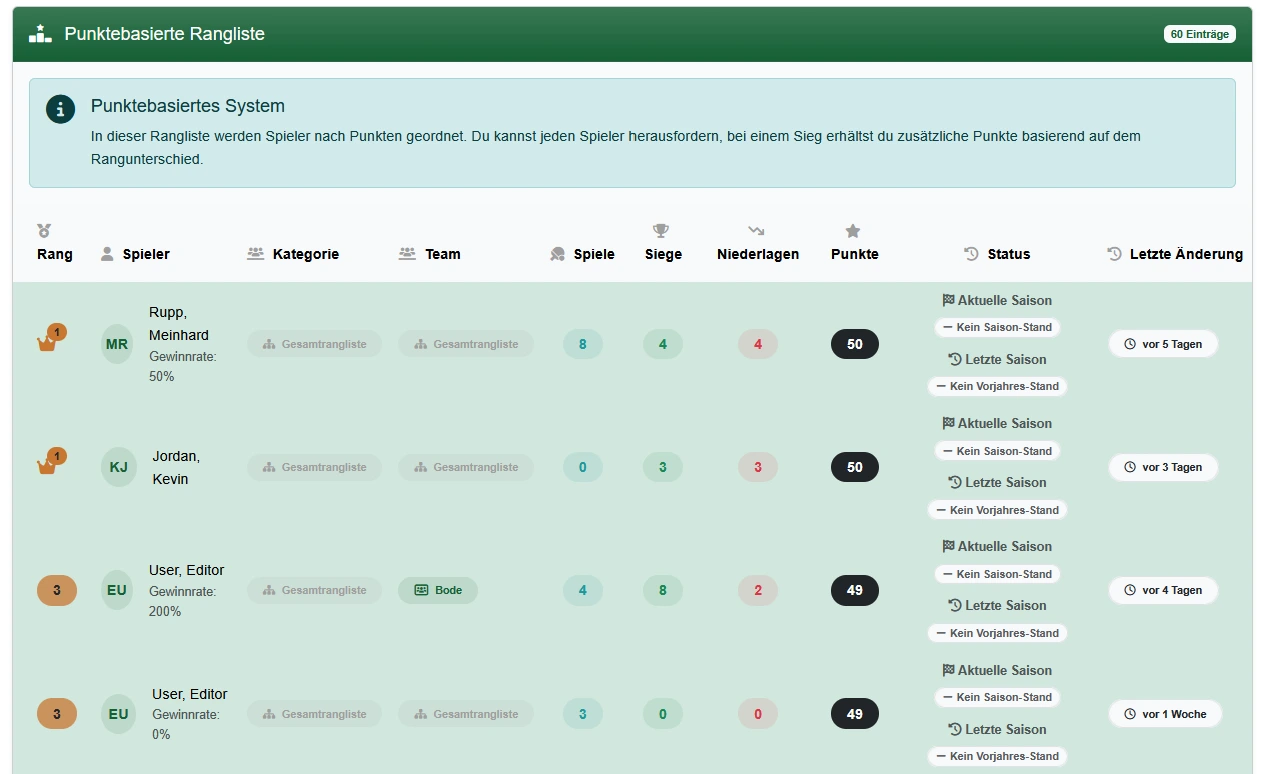
Tournament scheduling builds on court booking, uses the same membership data, and shares its ranking data with the challenge ladder system. See the full picture on the features overview.
Frequently asked questions about tournament management
Direct answers about entries, scheduling, live control, and results.
Registration runs through the club portal: individual players, teams, or whole club squads sign up digitally by category, instead of a paper list at the clubhouse or a scattered email chain.
A scheduling assistant proposes venues, courts, and time windows against the shared court calendar, flags conflicts automatically, and suggests alternative slots so the sports director isn't matching a spreadsheet by hand.
Categories can run as group phases or round robin, followed by finals rounds, with lineups and substitute players tracked per match.
A live control center lets the sports director start, pause, or postpone matches and rounds as the day unfolds, instead of coordinating everything by phone.
Results are entered and reviewed per match, standings and tiebreaks are calculated automatically, and the schedule is published for players to follow.
Yes. Tournament data can be exported as PDF, CSV, or a workbook file for reporting, archiving, or submission to an association.
Both use the same club and member data, so a club doesn't maintain separate systems for ranking challenges and formal tournaments.
Next step
See tournament organization live
Request a demo and check how entries, scheduling, live control, and result tracking would work for your club's next tournament.