Guide

Comparing Club Software: Solution Types, Scoring Matrix and Total Cost for Tennis Clubs

How to compare club software fairly: four solution types, a weighted scoring matrix to fill in, three-year total cost and a script for the vendor demo.

Publisher: e-MasterClub – About us · Updated · approx. 9 min read

Short answer

How does a tennis club compare club software fairly?

A fair comparison of club software takes four steps. First, write down your requirements and deal-breakers. Second, choose the right type of solution, because a pure booking app, a general club administration tool and a tennis-specific all-in-one system solve different problems. Third, score two or three providers with a weighted matrix during a demo that uses your own rules and data. Fourth, compare the total cost over three years, including add-on modules, data migration and volunteer time.
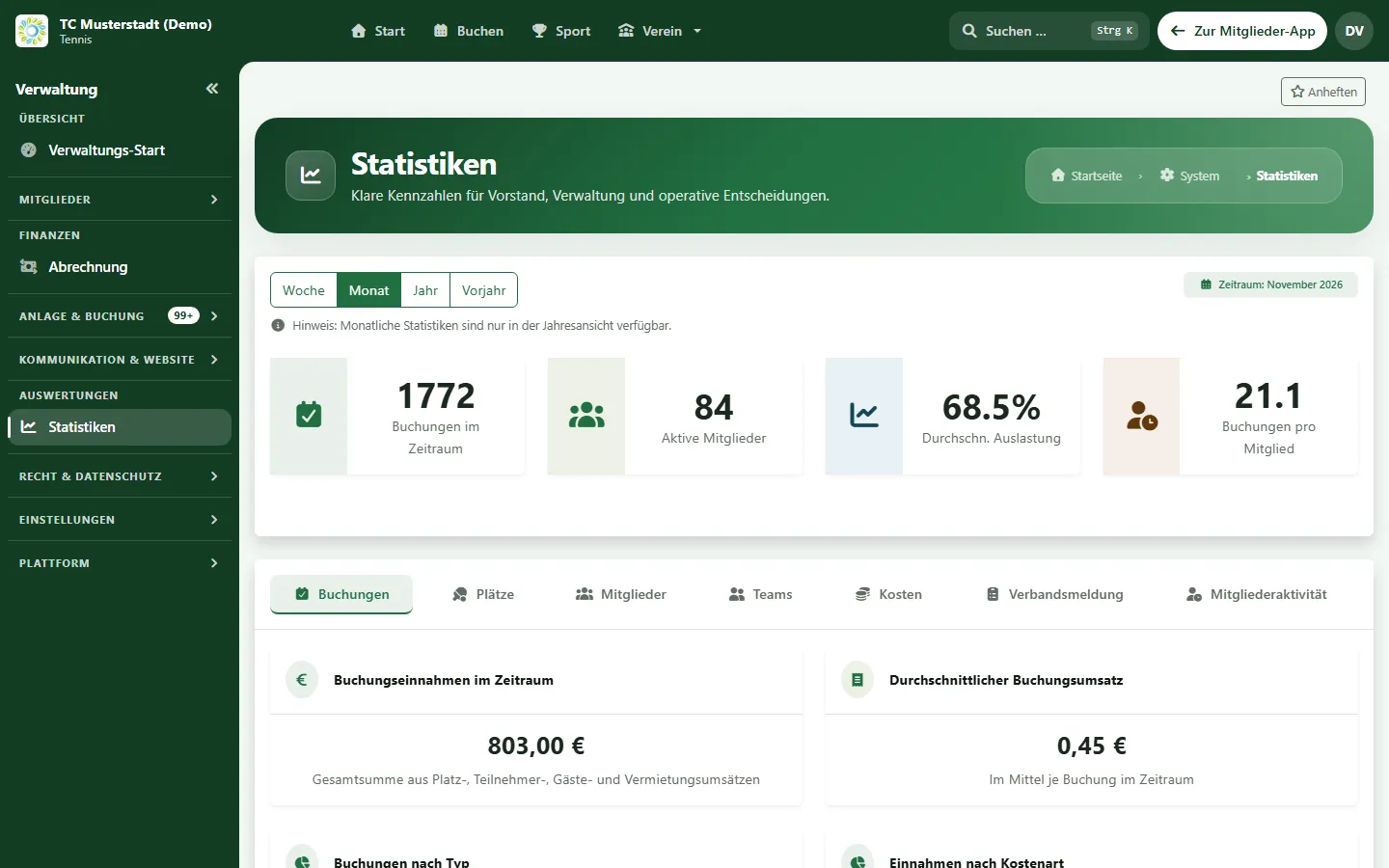
Club statistics with bookings, active members and average court utilization for the month (sample data)
Sample view from e-MasterClub with demo data. The app is also available in English.

Steps 1 and 2: clarify requirements, choose the type of solution

Before looking at providers, note which tasks take the most time today and which rules the software must enforce. The features a tennis club typically needs are covered in the guide tennis club software: which features a club needs. Then decide which type of solution fits your club:

Typical classification; individual products may differ.
Type of solutionStrengthsLimitsSuits
Spreadsheets and chat groupsfamiliar, no licence feesrules are not enforced, data is scattered, data protection is hard to provevery small clubs without membership dues collection
Pure booking appquick to set up, solves court allocationmembers, dues and applications stay in separate listsclubs whose only problem is court booking
General club administration toolmembers, dues and bookkeeping for many sportstennis workflows such as booking rules, challenge ladders or coaching often need extra toolsmulti-sport clubs focused on finances
Tennis-specific all-in-one systembooking, members, dues and sports operations on the same databuilt around tennis, other sections are secondarytennis clubs and tennis sections with their own administration

Step 3: score providers with a weighted matrix

Give each criterion 0 to 3 points (0 = missing, 1 = only with a workaround, 2 = met, 3 = met and convincing in the demo) and multiply by the weight. The weights below are a suggestion; adjust them to your priorities before you see the first demo.

Template to fill in: 0–3 points per provider, total = points × weight.
CriterionWeightProvider AProvider BProvider C
Court booking enforces our rules20
Members, families and membership application15
Dues and SEPA direct debit15
Data protection: server location, processing agreement, consent15
Ease of use for members on a phone10
Data migration and export at any time10
Total cost over three years10
Setup help and support response5

Deal-breakers do not belong in the points but before them: if a provider offers no CSV or Excel export, no data processing agreement or no SEPA direct debit, it is out, however good the rest looks.

Demo script: six tasks, shown live

Slides show what a product is supposed to do. Ask instead to see these tasks with your sample data, and score them in the matrix straight away:

  1. Set up your most important booking rule, for example advance booking or a quota per membership type, and try a booking that breaks it.
  2. Submit and approve a family membership application with a SEPA mandate.
  3. Run a dues collection and look at the SEPA file for the bank.
  4. Import part of your member list and export it again.
  5. Book a court as a member on a phone.
  6. Handle a GDPR access or deletion request.

Step 4: total cost over three years

The monthly price alone says little. For each provider, calculate three years:

  • Running costs: plan price for your number of members and courts × 36 months, plus the add-on modules you will actually use.
  • One-off costs: setup and data migration, unless you do them yourself.
  • Contract: minimum term, notice period and price steps as the club grows.
  • Volunteer time: the hours per week that committee, treasurer and sports director spend on lists, questions and reconciliation today, and what would remain.

How e-MasterClub charges for data migration is explained on the page onboarding and data migration, plan prices are on the pricing page.

Where e-MasterClub fits

e-MasterClub is a tennis-specific all-in-one system. Score us with the same matrix as everyone else. As of 11 November 2026:

Which feature is included in which plan is shown on the pricing page with the full plan comparison.

FAQ

Frequently asked questions about comparing club software

Not in a useful sense. Online rankings rarely match your club: four outdoor courts with annual dues need something different from an indoor centre with many guest players. A comparison you can rely on starts from your own requirements, weighted by your priorities and tested in a demo with your own data.

Two or three on the shortlist are enough. More demos cost the committee a lot of time without improving the decision. Filter first with the deal-breakers: data export, a data processing agreement, SEPA direct debit and your most important booking rule.

Add-on modules that only come with a higher plan, one-off costs for the data migration, price steps above a certain number of members, the minimum term, and the volunteer time the committee and treasurer spend every week on lists and follow-up questions.

The features and prices of other providers change, and we cannot verify them continuously. The matrix is built so that you can score every provider yourself, including e-MasterClub.
Guides

Next step

Score e-MasterClub with your own matrix

Bring your scoring matrix to the demo. We show the six tasks live with your rules, without obligation and without a credit card.

Request a demo View all features
No obligation No credit card