Guide

Switching Club Software: Migrating Member Data, Fee Codes and Booking Rules Safely

How a tennis club switches its club software: data export, clean-up, fee codes, booking rules, a short parallel run and data protection during the move.

Publisher: e-MasterClub – About us · Updated · approx. 8 min read

Short answer

How does a tennis club switch its club software without losing data?

A software switch succeeds in five phases: a complete export from the old system, data clean-up, mapping of fee codes and membership types, a test import with a review report and a short parallel run with a fixed end date. Carry over SEPA mandate references, set up booking rules anew instead of copying them, and archive tax-relevant historical data outside the new software.
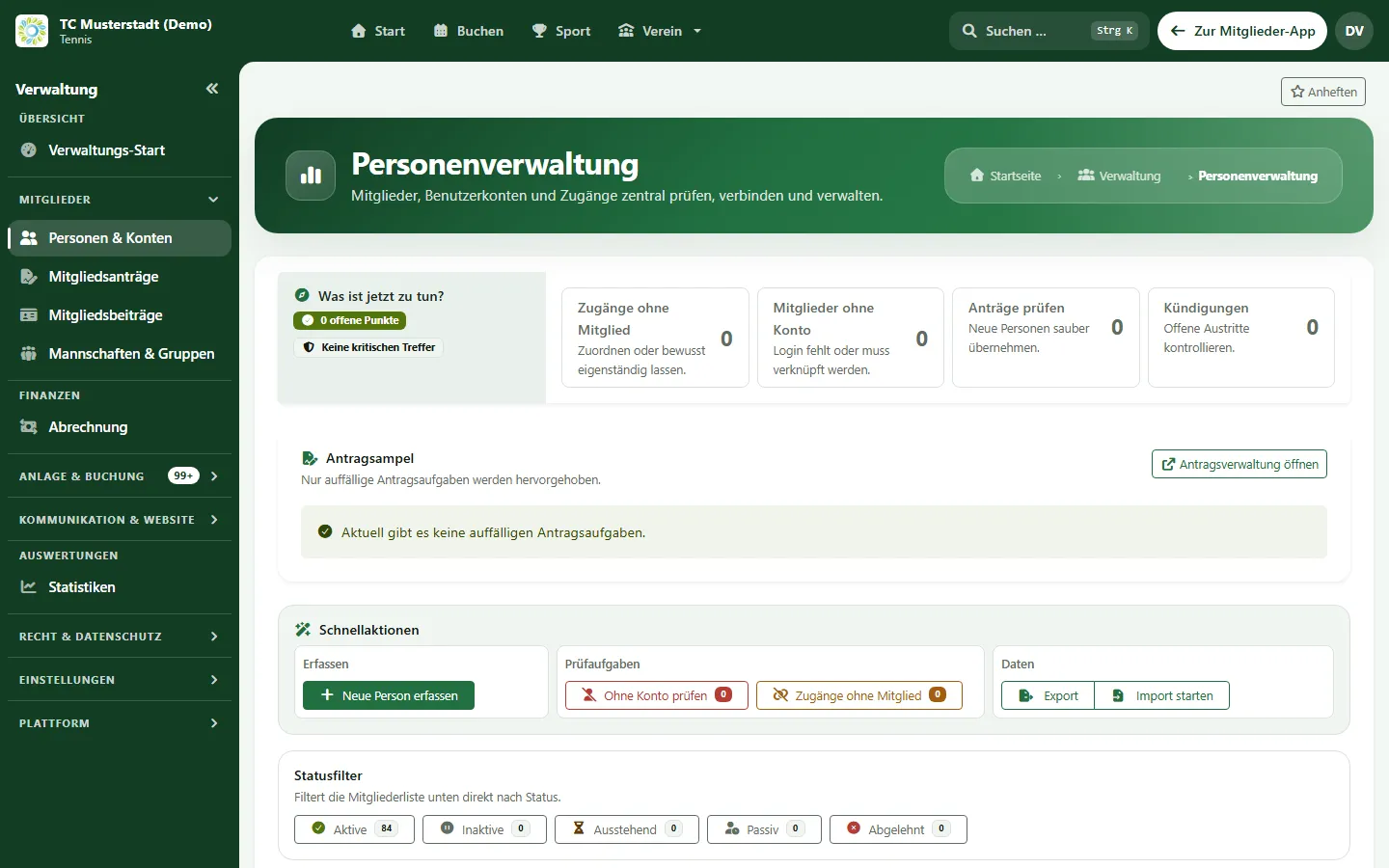
People management with import, export and review tasks after the data migration (sample data)
Sample view from e-MasterClub with demo data. The app is also available in English.

Phase 1: Export everything

Export all members from your current program with master data, membership type, joining date, family membership, fee code, bank details and SEPA mandate reference. Most club programs offer a CSV or Excel export. Check that special characters such as umlauts and leading zeros (for example in membership numbers) are preserved.

Ask your current provider about the notice period and how long you can still export after the contract ends.

Phase 2: Clean up

  • Merge duplicates and mark members who have left.
  • Add missing email addresses and dates of birth – they later control fee levels and invitations.
  • Check bank details and mandate references for completeness.
  • Only carry over what is needed: data minimization applies to the move as well.

Phase 3: Map fee codes and rules

Fee codes in the old system have often grown historically. Create a mapping table: old code → new membership type and fee rate. Use the switch to reduce special cases.

Do not copy booking rules one to one; define them consciously anew: lead time, quotas, guests, blocked times. The guide Choosing a tennis court booking system helps with this.

Phase 4: Test import with a review report

Import into a test environment first, or with the option to undo the import. Check ten members completely as a sample – including family, fee and mandate – before you start the real import and invite the members.

Phase 5: Short parallel run, clear end

Set a cut-off date from which only the new system applies. Inform members in good time with a short guide. After that, the old system remains available read-only until the retention periods have expired; personal data is then deleted there.

Do not forget to conclude the data processing agreement with the new provider and to update your privacy notices.

Switching to e-MasterClub

e-MasterClub imports members from CSV or Excel files with column mapping, a review report, reusable import profiles and the option to undo an import. Fee codes from the old system can be mapped to fee rates. There is no direct interface to other club programs. Learn more about membership management and fee billing. The six steps of a switch to e-MasterClub are shown on the page onboarding and data migration.

FAQ

Frequently asked questions about switching club software

No, there is no direct interface. Members are migrated from an export of your current program as a CSV or Excel file. Fee codes from the old system can be mapped to the fee rates in e-MasterClub during the import.

An existing SEPA mandate remains valid as long as the creditor ID and mandate reference continue to be used. That is why you should carry over the mandate reference and signature date. Clarify special cases with your bank.

As briefly as possible, but with a fixed end date – often one fee run or one month of court booking. After that, the old system is only used read-only and deleted once the retention periods have expired.

Tax-relevant records are subject to retention periods. Export invoices and booking journals from the old system as PDF or CSV and archive them. Usually only open items and active recurring bookings need to be transferred to the new software.
Guides

Next step

Review your data export together

Bring an anonymized extract of your export to the demo. We will show you how columns and fee codes are mapped.

Request a demo Go to membership management
No commitment No credit card