How does a tennis club digitize its administration step by step?
Menu
Guide
Eight steps from spreadsheets and paper lists to digital club administration: inventory, rules, data protection, data migration and rollout to members.
Publisher: e-MasterClub – About us · Updated · approx. 8 min read
List all lists, forms, spreadsheets and groups the club works with today – including the treasurer's Excel file and the sports officer's WhatsApp group. Note who maintains which data.
Decide which process goes digital first. Court booking and membership applications are good starting points because they directly affect many members.
Court rules, fee rules, guest rules, work hours: what only exists in people's heads cannot be enforced by any software. Resolve contradictions now, not after go-live.
Who manages members, who the courts, who the fees? Each person later only gets the permissions they need. Name one committee member as project owner.
Prepare the data processing agreement, privacy notices and consent texts (for photos, for example). Versioned consents later show who agreed to which version.
Clean up duplicates, outdated addresses and missing SEPA mandates before the import. Run a test import with a review report first, then the real import.
Announcement, a short guide, a cut-off date and a contact person on site. A transition phase with help at the clubhouse prevents individual members from feeling left out.
What works, where are there questions, which rule was unclear? Adjust settings and only then add the next area.
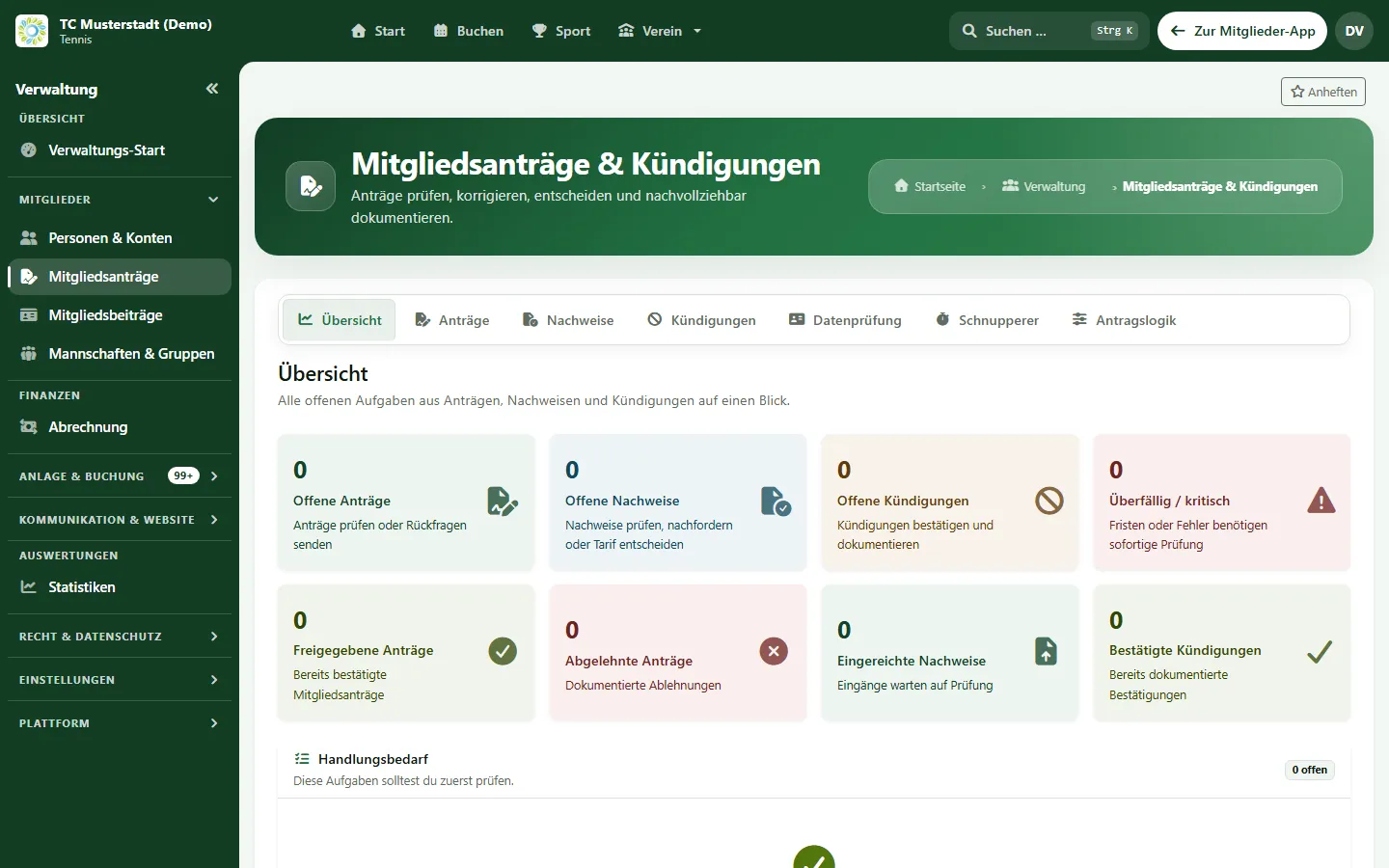
A guided initial setup creates courts, rules and fee types. Members can be imported from CSV or Excel with a review report, roles separate committee, sports officer, coaches and treasurer, and versioned consents document agreement. Members use e-MasterClub in the browser or as an installable web app; a booking terminal at the clubhouse helps everyone without a smartphone.
Details are available under membership management, court booking and club billing. Separate pages explain how members install the club app and how onboarding with data migration works; to collect member opinions, use member surveys.
Which features tennis club software really needs, how it differs from a court booking app and which add-ons fit your club.
Read guide: Tennis Club Software: Which Features Does a Club Really Need?What tennis clubs should look for in a booking system: booking rules, guest players, indoor and outdoor courts, fees and data protection – with a checklist.
Read guide: Choosing a Tennis Court Booking System: Rules, Guests, Indoor Courts and Data ProtectionHow a tennis club switches its club software: data export, clean-up, fee codes, booking rules, a short parallel run and data protection during the move.
Read guide: Switching Club Software: Migrating Member Data, Fee Codes and Booking Rules SafelyHow to compare club software fairly: four solution types, a weighted scoring matrix to fill in, three-year total cost and a script for the vendor demo.
Read guide: Comparing Club Software: Solution Types, Scoring Matrix and Total Cost for Tennis ClubsNext step
In the demo we clarify which area your club should start with and how your data will be migrated.